For this guide, as an example, we will be parsing data through a Milesight UG65
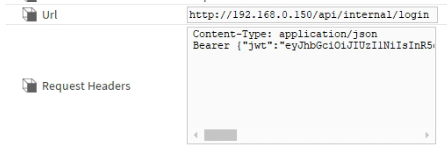
We will first need to find the appropriate url for this call.
http://192.168.0.150/api/internal/login
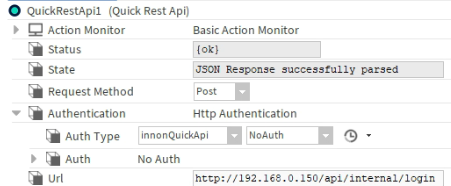
Then we will need to send through our request, in this case, we are requesting the bearer token. 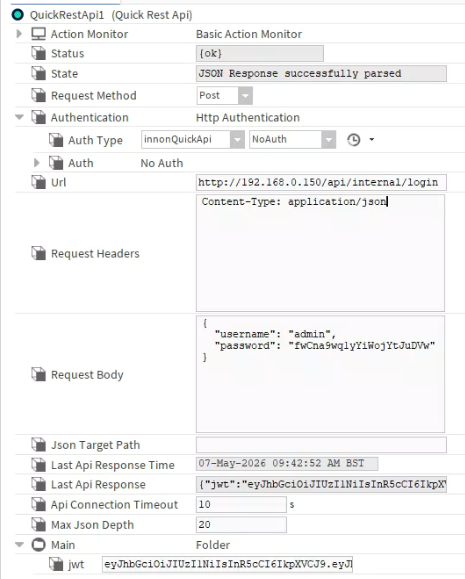
Request Header
Content-Type: application/json
Request Body
{
"username": "admin",
"password": "*Encrepyted Password*"
}
In order to retrieve your ecrypted password
Open up developer tools, login to the gateway and find your "Login" packet.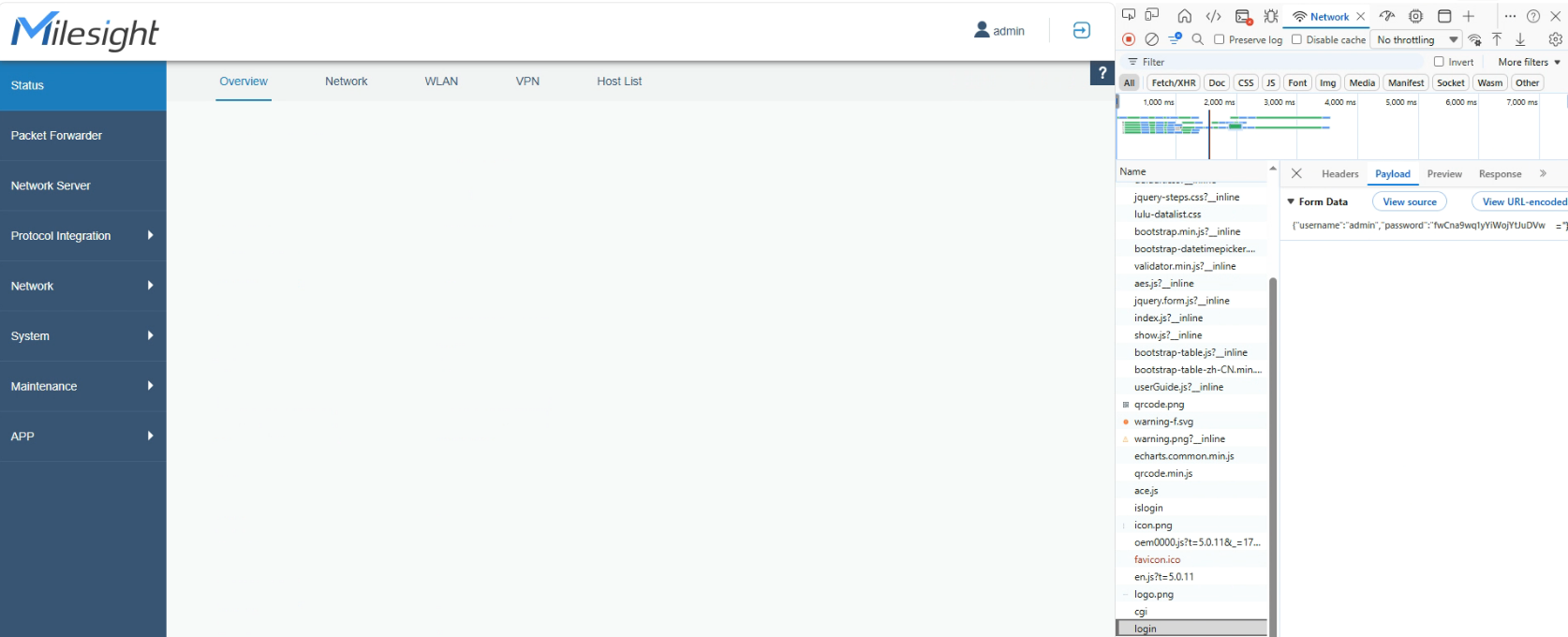
To turn this into an automatic process you will need to follow the below logic.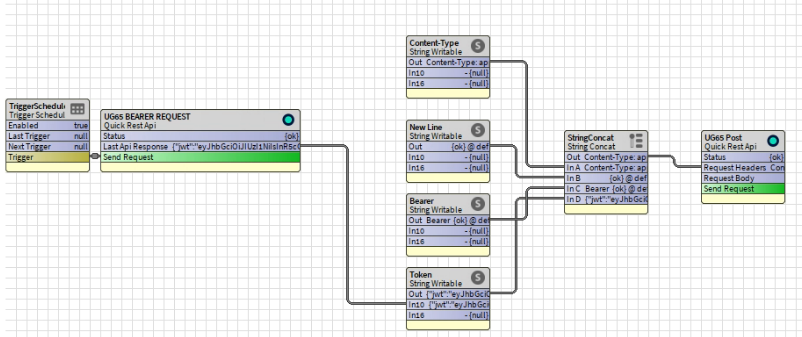
Trigger Schedule - To Re-request your bearer token every 24 hours.
String Writable - (Content-Type : application/json) which includes the first part of your header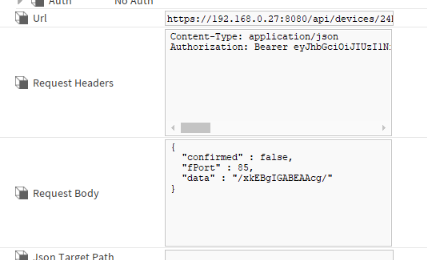
Then to add a new line to your header, you will need to add a blank space, quite tricky in niagara.
You will first need to edit the facets of your second String.
Then right click > action the string.
Then press enter to add a new line, then "ok"
Repeat this process on 3rd string but name it "Bearer" with a space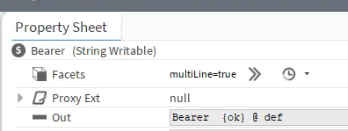
For your final string, your output of your bearer request, as below.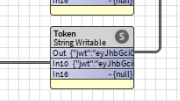
This can be then combined using a "StringConcat"
Pallete > KitControl > String > StrinConcat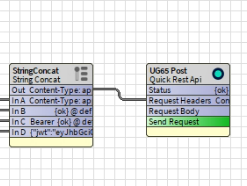
Which will then present as the below.