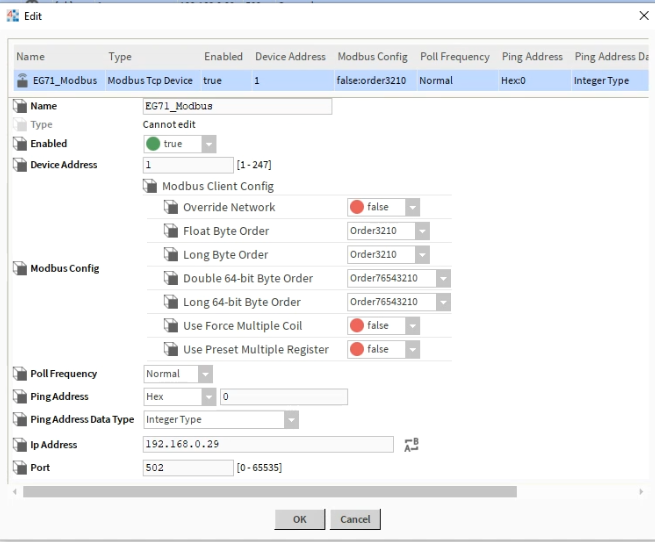
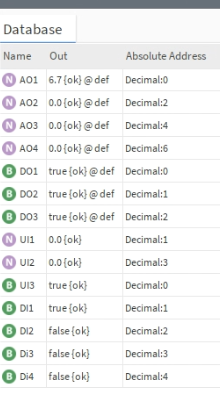
To enable and utilise the built in Modbus server on the EG71 you will need to head to Home > Data Service > Data Forwarding > Add > Modbus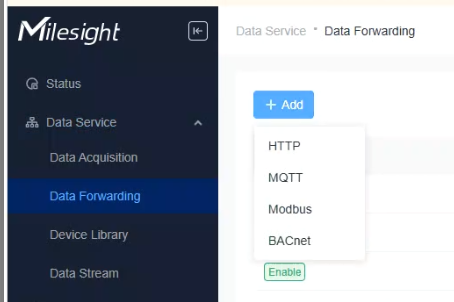
Once you have selected "Modbus"
You will have to fill out the necessary details for the Built in Modbus server.
-Name
-Port
-Network Interface
-Connection Type
- IP Address
-Description
-Server ID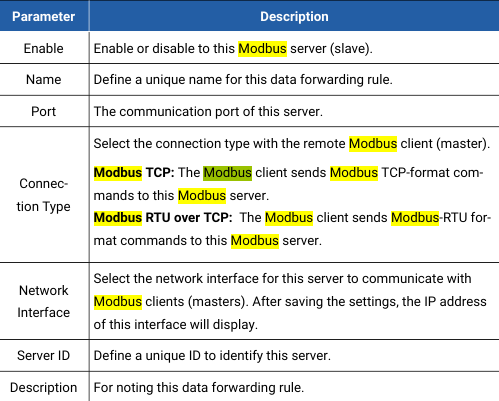
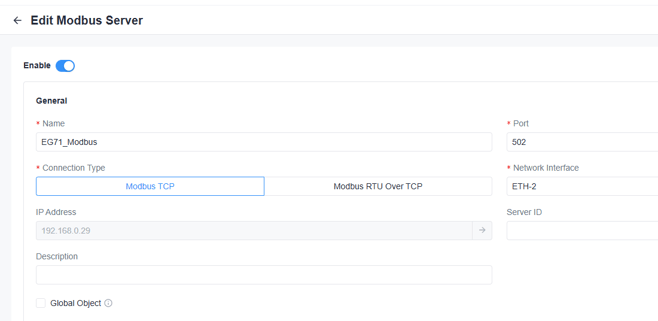
Once you have enabled your Modbus server, you will now need to assign objects to be exported.
*Please note*
If you are looking to export objects from a 3rd party (Non-Milesight Branded device) then please see our Milesight EG71 Integration, Setup And Configuration guide
Inside "Adding Third-Party Devices"
Click into the value that is displaying "Object Count" and you will be greeted by a new UI which will allow you to add your desired Modbus objects.
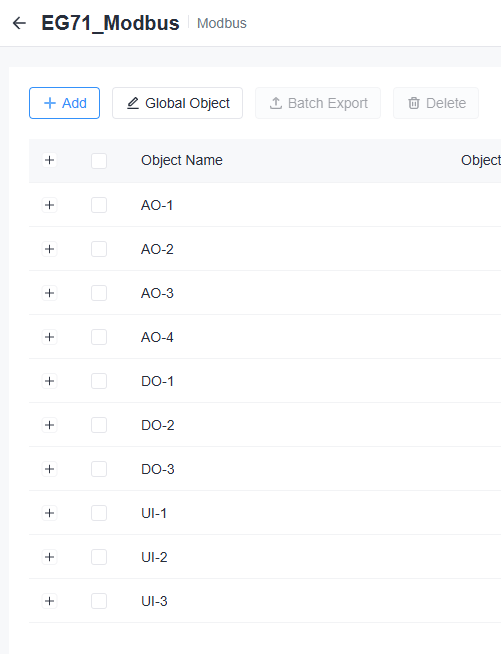
Once you have added your desired objects, you will need to simply discover EG71 over a Modbus discovery tool.
In this case, Niagara.